
Real-Time Multi-Screen
Event & Sports Schedule Display.
Show a live-updating schedule on every court, stage, or pitch while managing everything effortlessly from one phone or laptop.
No credit card or app download required
Trusted by tournament directors, sports clubs, event organizers & production teams
It runs in the browser
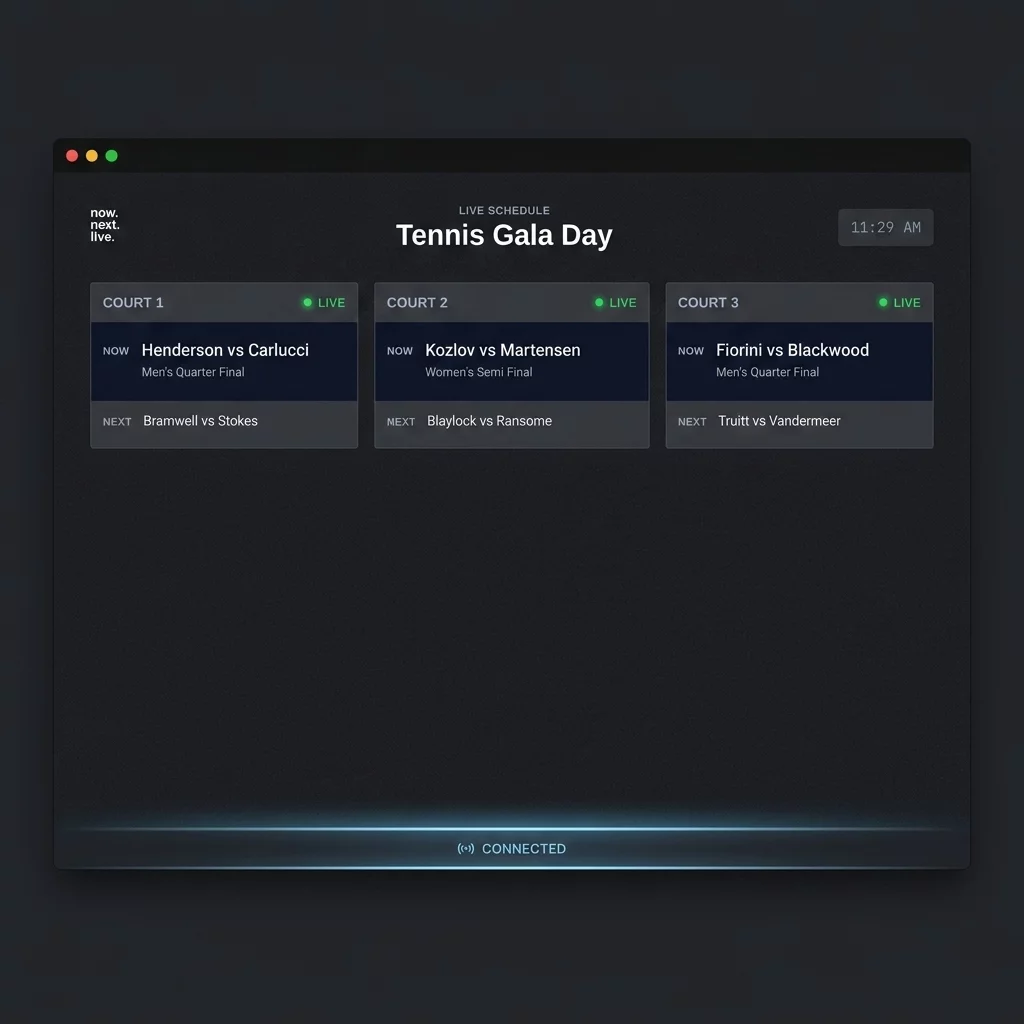
NowNext.live is a real-time event and sports schedule display system that runs directly in the browser. Any internet-connected device can use it. It works on all screen sizes, even tablets and phones.
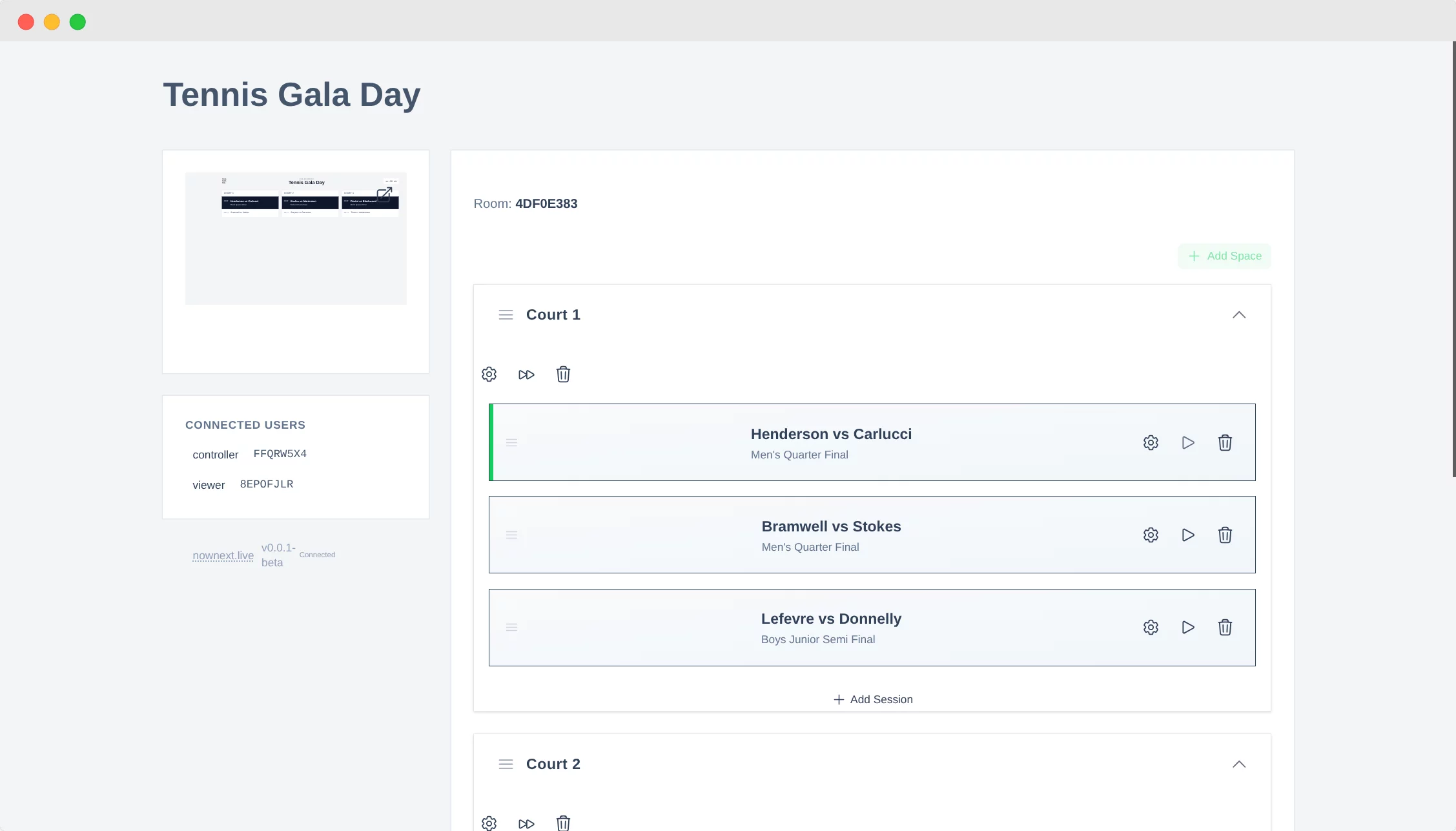
What the controller sees
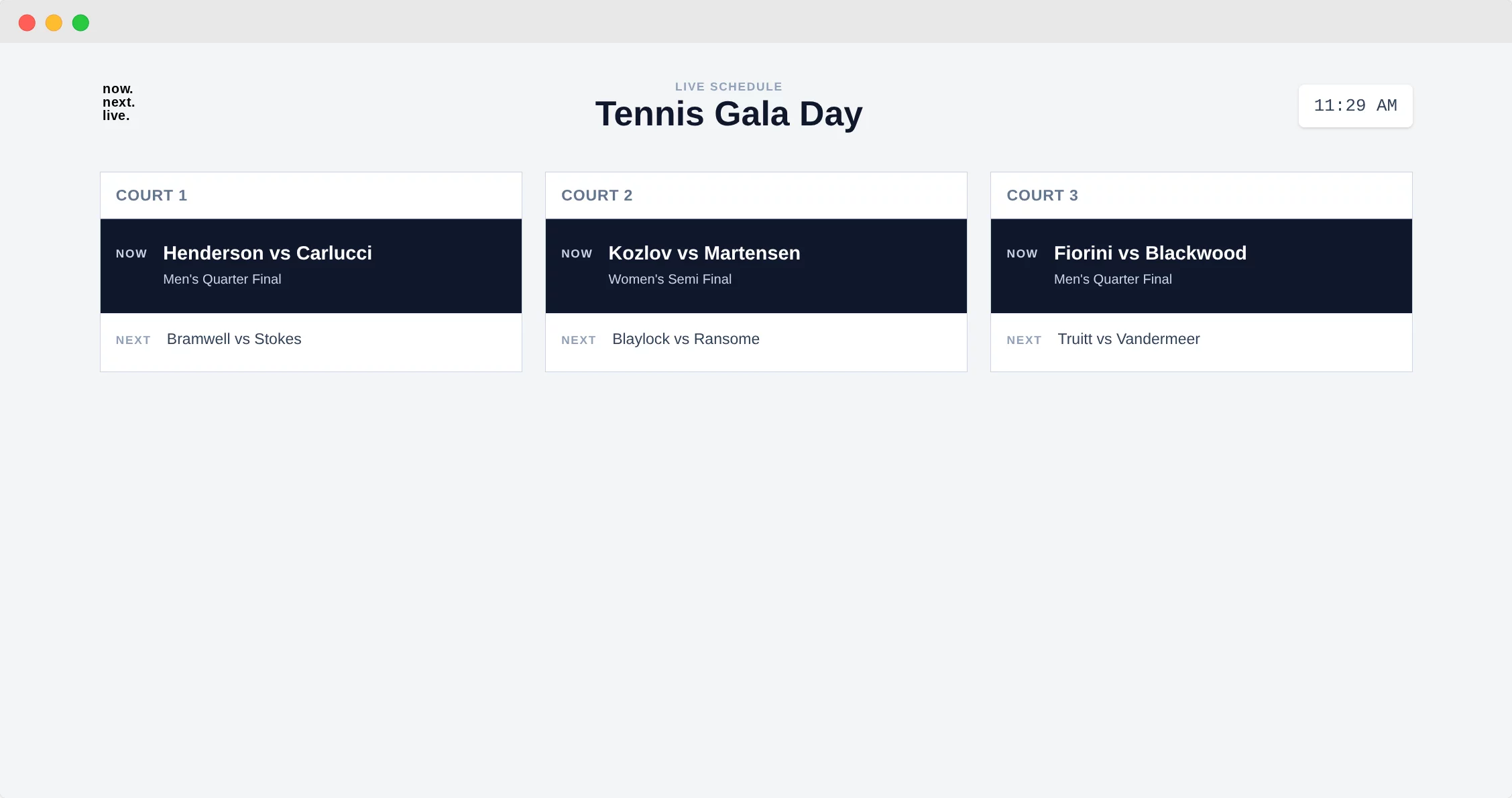
What the audience sees
Get started
in three easy steps
1. Create an event
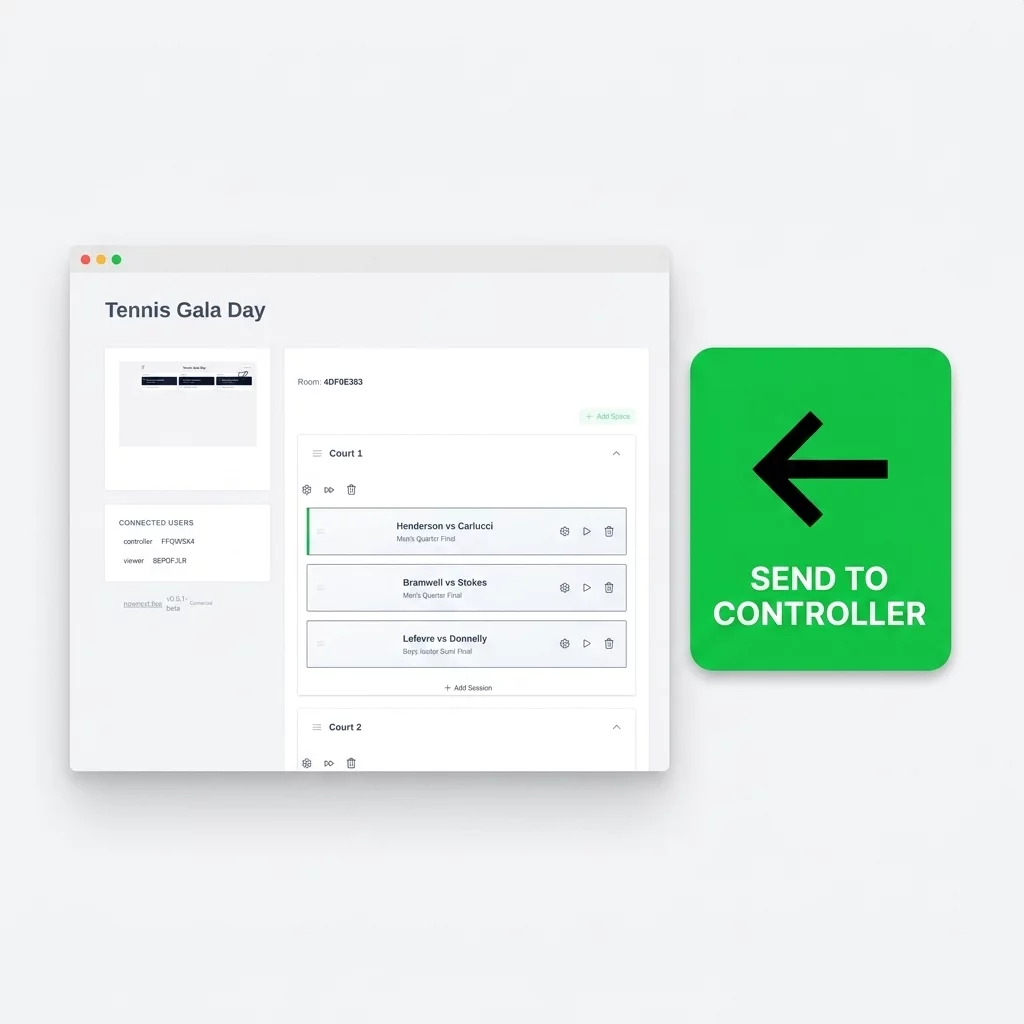
Create an event with multiple court or space schedules and match sessions. When logged-in, your event saves all your settings even if you close your browser.
2. Share the link
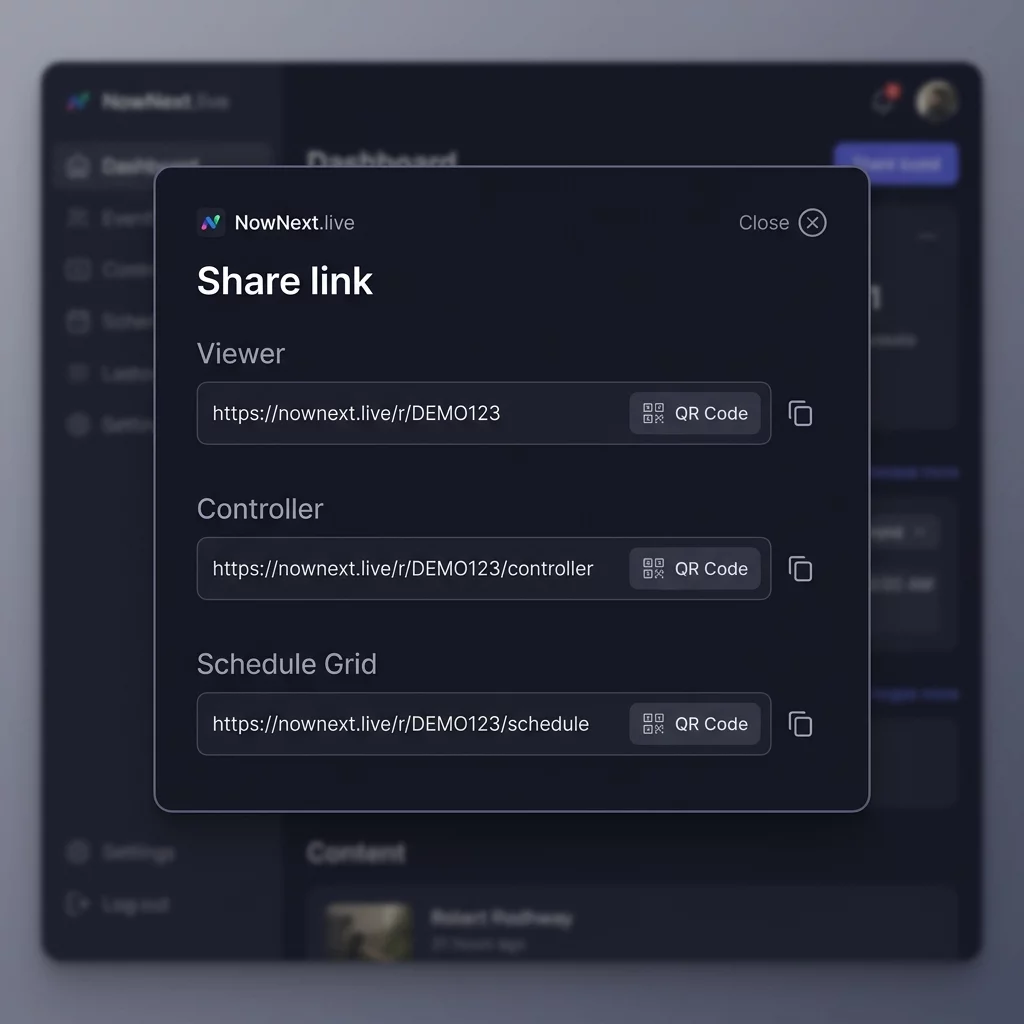
Simply share your unique "Viewer" link via Email, WhatsApp, or QR-Code with participants and spectators. You can see all connected devices with connection status.
3. Update live & control screens
Advance sessions or adjust match times from your controller device. Every screen across the venue updates instantly with zero latency.
Built for Smooth, Stress-Free Events
Everything you need to keep participants informed and your schedule running on time.
Keep every court, stage, and pitch in sync with zero latency
Forget manual whiteboard updates or reprinting paper schedules. When a match ends or a session shifts, update it once on your controller device and watch every connected screen across your venue update instantly.
Runs on any browser—no apps, hardware, or downloads required
Turn any Smart TV, iPad, tablet, or laptop into a dedicated high-visibility display board. Simply open a URL or scan a QR code. Participants can even track live schedules directly on their phones.
Set up your full event schedule in under 10 minutes
Designed for busy event directors and non-technical volunteers. Create your courts or spaces, enter initial match times, and go live immediately with zero technical training or software installation.
Full control over display views, schedules, and read-only sharing
Switch effortlessly between dedicated single-court views or a master venue schedule. Keep full editing control on your phone while sharing clean, distraction-free read-only links with participants.
Designed for Every Venue & Gathering
From local sports tournaments to major multi-track conferences.
Sports Clubs & Tournaments
Badminton, tennis, squash, football, padel, pool, and martial arts tournaments.
Conferences & Seminars
Multi-track speaker agendas, room schedules, and keynote transition boards.
Livestreams & Broadcast Studios
On-air confidence monitors, producer cues, and rundown status displays.
Meetings & Workshops
Corporate break-out sessions, training schedules, and venue signage.
Frequently Asked Questions
Ready to Run a Cleaner, Stress-Free Event?
Replace paper schedules and volunteer chaos with live-updating display screens today.